How to fix GTA San Andreas Mouse not working? (No Downloads)
Hello friends,
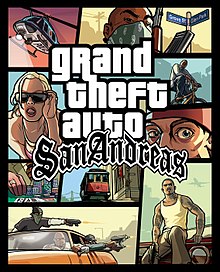
Today we are gonna fix an issue in gta san andreas in which the mouse or laptop's touchpad doesn't work. Okay to fix fix this problem simply follow these easy steps:
1. Firstly open gta san andreas and minimize it by pressing Alt+tab button together in keyboard.
2. Press ctrl+shift+Esc key together and now task manager window will appear.
3. Now right click on gta sa.exe and click on go to details.
4. Now, again right click on it and click on set affinity.
5. Now, untick all the CPUs in it. And just tick over CPU 1.
6. Open gta san andreas now your problem is fixed.
Thank You for visiting!!!
How to fix GTA San Andreas Mouse not working? (No Downloads)
![How to fix GTA San Andreas Mouse not working? (No Downloads)]() Reviewed by Rohan Niraula
on
6:12 AM
Rating:
No comments: