How to use your USB pendrive as a RAM in your PC?
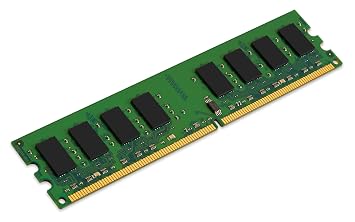
To use your USB pendrive as a RAM in your PC. First of all plug in your pendrive in your PC and now format it. And after that Right click on the pendrive and hit on properties section. There you will see a tab named as "ReadyBoost" just click on it and set your settings. Now your pendrive will behave as extra RAM for your PC.
How to use your USB pendrive as a RAM in your PC?
![How to use your USB pendrive as a RAM in your PC?]() Reviewed by Rohan Niraula
on
3:45 AM
Rating:
No comments: